Ray-Ban Meta · Wear OS · your own AI key
Snap the question.
Feel the answer.
Practice exams with your glasses on. One press reads the question in front of you; your watch taps the answer back. For mock papers, past papers and revision — not for anywhere assistance is prohibited.
Android 10+ · Wear OS 3+ · glasses optional.
How it works
Make an exam
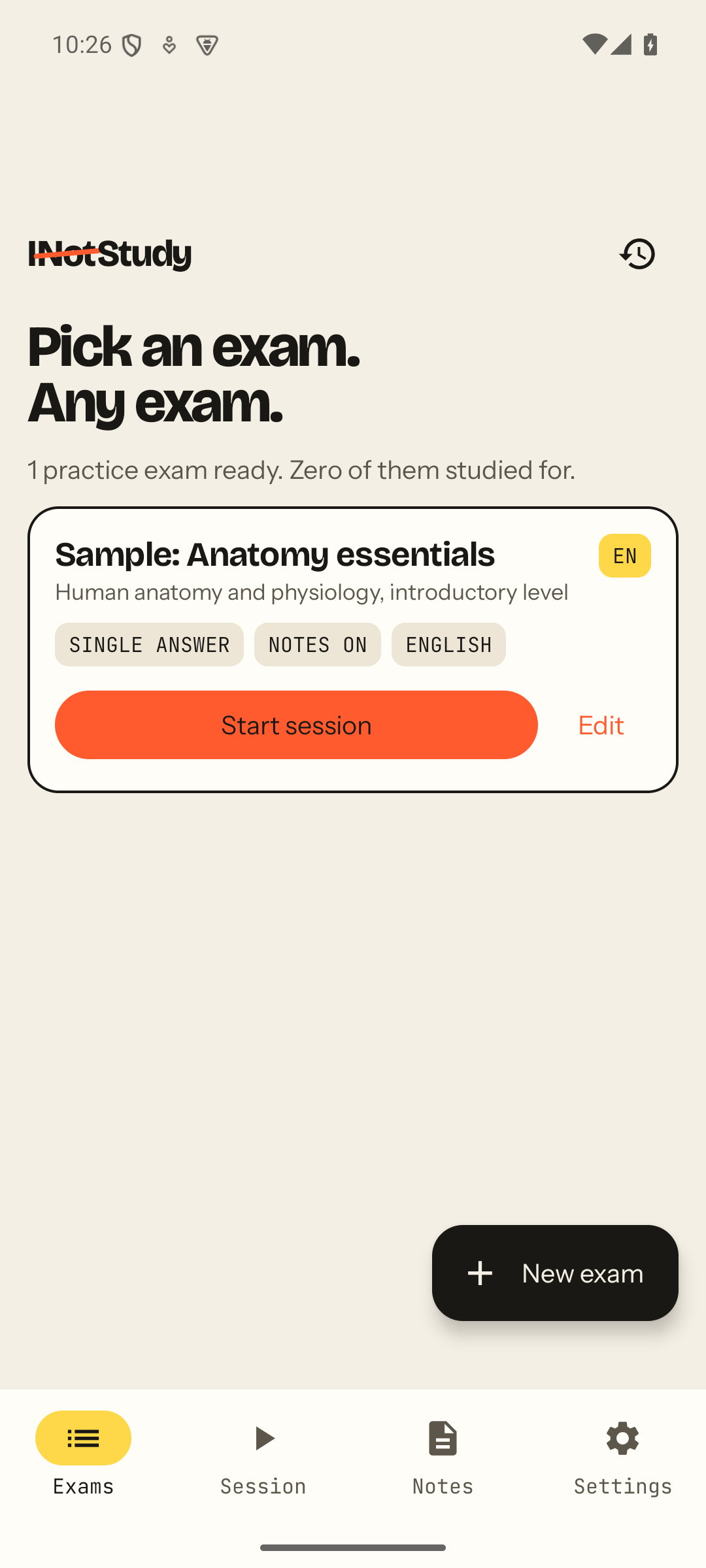
A name, the language of the answers, single or multiple choice. Attach your own notes, PDFs or a question bank if you want answers checked against them. One sample exam ships with the app.
Snap the question
Press once — on the glasses, on the watch, or in the app. The capture LED lights, the shutter plays, and the photo goes straight to the model you chose.
Feel the answer
It shows on your watch as C-21 · Q-18 · B, and is counted out in taps: A is one, B two, C three. You check yourself without looking away from the page.
Bring your own brain
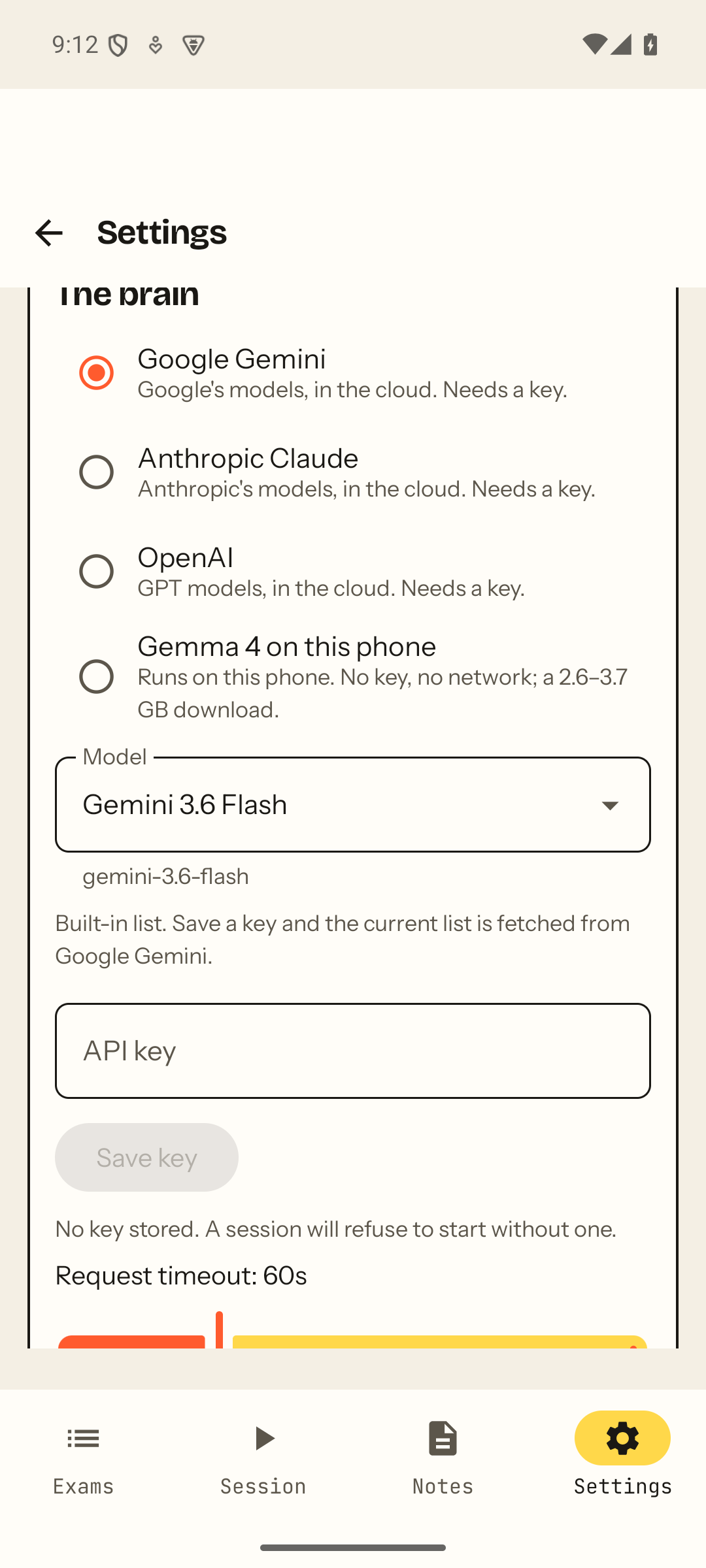
Pick who answers. Nothing of ours sits in between: the photo goes from your phone to the provider you chose, with your own key, over HTTPS. Or keep it on the phone entirely.
- Google GeminiYour own API key. The model list is fetched live, so new releases show up on their own.
- Anthropic ClaudeYour own API key. Structured answers, every time.
- OpenAIYour own API key. GPT‑6 and the 5.6 family as listed by OpenAI.
- Gemma 4 on your phoneNo key, no network. A 2.6–3.7 GB download; the photo never leaves the device.
Built to be seen
Every capture lights the glasses' LED and plays the shutter. The app cannot change that and will never try — it is a condition of being allowed to talk to the glasses at all. There is no account, no analytics, no crash reporter and no server of ours.
Read the privacy policyYour own notes, cited
Attach notes, PDFs or a question bank to an exam. Answers prefer your material over the model's general knowledge, and every answer says whether your material actually supported it.
Counted, not just shown
Snap the same question twice and it is still one question. The watch shows the last few as C-21 Q-18 B, and the buzz works under Do Not Disturb.
About the glasses, honestly
Meta has not yet opened its glasses platform to public apps. Until it does, glasses capture works for testers invited to INotStudy's release channel; the phone camera, photo import, watch and everything else work for everyone. Details on the support page.
Questions
Do I need the glasses?
No. The phone camera and a photo import work on any phone, and the sample exam has a question ready to answer the moment you install. The glasses make it hands-free.
Which glasses and watches?
Ray-Ban Meta (Gen 1 and Gen 2) through Meta’s Wearables toolkit, and any Wear OS 3 or newer watch.
Is there a subscription?
The app is a one-time purchase. Cloud models are billed by their providers on your own key; Gemma on the phone costs nothing to run.
Can I use it in an exam?
Not one where help is prohibited. INotStudy is for practice, and it is built to be seen: every capture lights the LED and plays the shutter, and the app cannot change that.